How to print a 5×7 photo without cropping
Keep the whole photograph on the paper by choosing Fit at checkout or in your print settings. A photograph that is wider or taller than the paper will have borders.
Browse the $5 photo downloads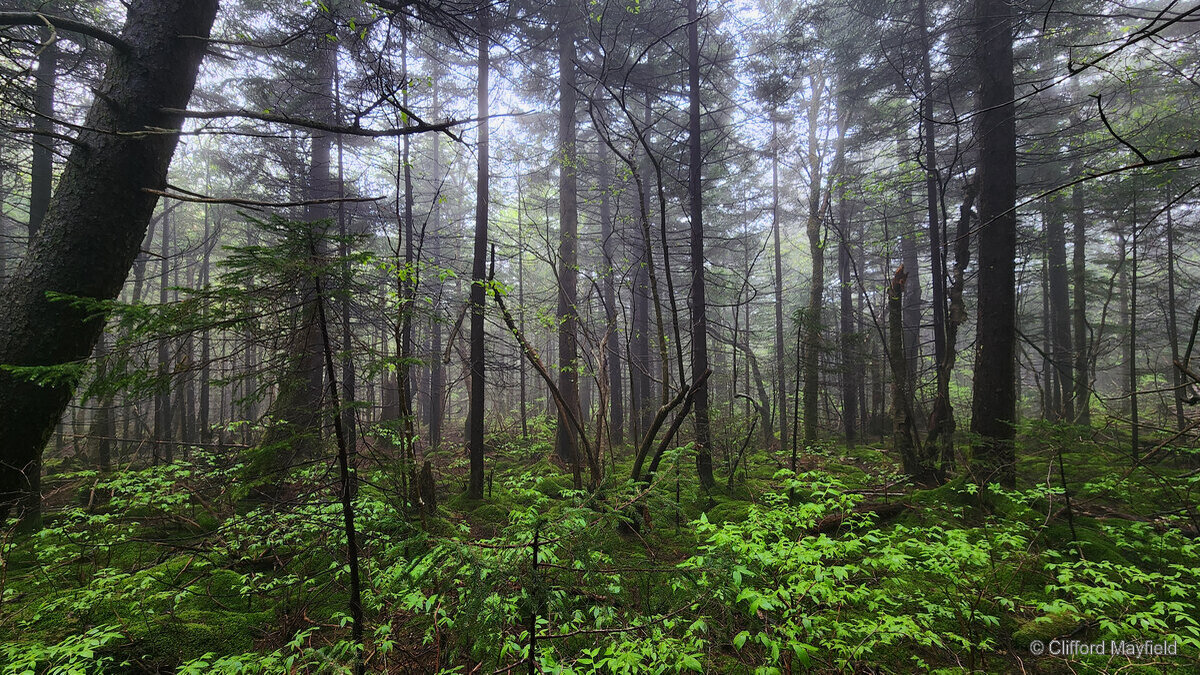
Choose Fit and check the preview
For a landscape photograph, select 7 inches wide by 5 inches high. For a portrait photograph, rotate the paper orientation. In the preview, check that the edges of the photograph are visible on every side. Some printers call this setting “Fit to Page” or “Full Image.”
Leave room for the frame
Use the frame or mat opening to decide how much border you want. For example, a 4,000 × 2,252 image printed 6.5 inches wide is about 3.66 inches high. Centered on landscape 5×7 paper, it leaves about a quarter inch on either side and two-thirds of an inch above and below.
Choose a finish and order one proof
Matte paper can reduce distracting reflections. A luster finish gives a little more sheen. Check the first print in the room where it will hang, especially for shadow detail in dark woodland scenes. Adjust the crop or paper choice before ordering more copies.
What comes with a Mossward download
Each $5 download includes the selected JPEG and a printing and permission guide. Personal printing covers up to three copies for home display or noncommercial gifts.
Measure your frame, preview the crop and care for your print. Choose a photo to give as a print.